Until your account is verified, you can't withdraw money or create multiple payments links. You can pass the verification in your account.
- Click the profile icon in the top right corner and choose Profile in the drop-down menu
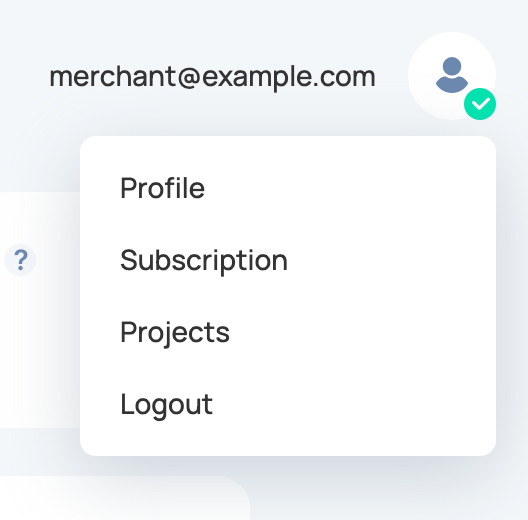
- The account status is shown next to the page title, for example Account is not verified. Press the Start verification button

- Follow the instructions of the automatic document verification and face recognition service. When the check is passed, the status changes to Account is verified.
To verify your identity, please follow these recommendations.
For citizens of the Russian Federation:
You need a photo of the main pages of the Russian passport (photo only, not a scan, without "cropping"
and Photoshop) and pages with address and registration, as well as confirming your identity on the
camera. You will need to show your face while looking at the camera, turning your head to the right, to
the left, down, up, until you receive a message about successful verification.
For non-citizens of the Russian Federation:
Photo of the main page of international passports ( no local passport of your country, not a scan, no
"cropping" and Photoshop, not a plastic ID, only a paper document) as well as confirming the identity on
the camera. You will need to show your face looking at the camera, turning your head to the right, to
the left, down, up, until you receive a message about successful verification.
Verification can take up to 48 hours. We may also request additional data.