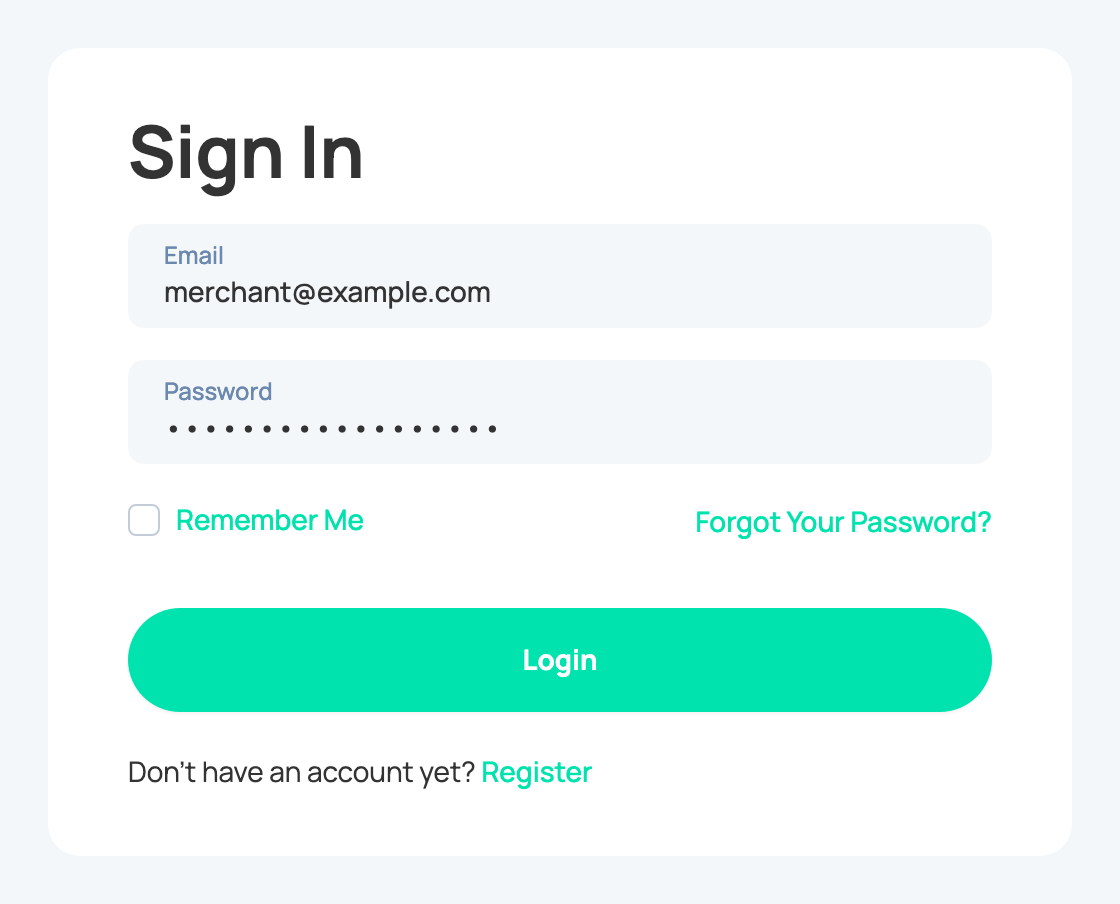
- On the main page, press the Sign up button in the top right corner

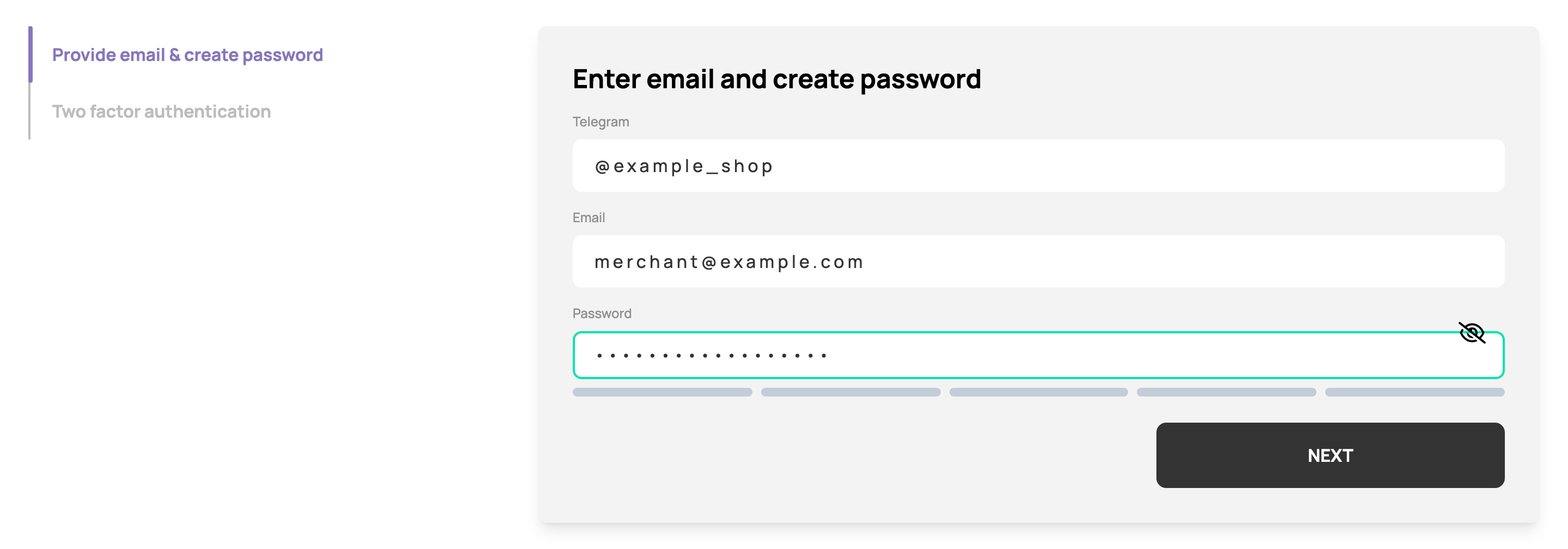
- At the Provide email & create password step, enter the email and password you will use to log in to your account. The bar under the password shows how strong it is. You can also add your Telegram. Press Next.
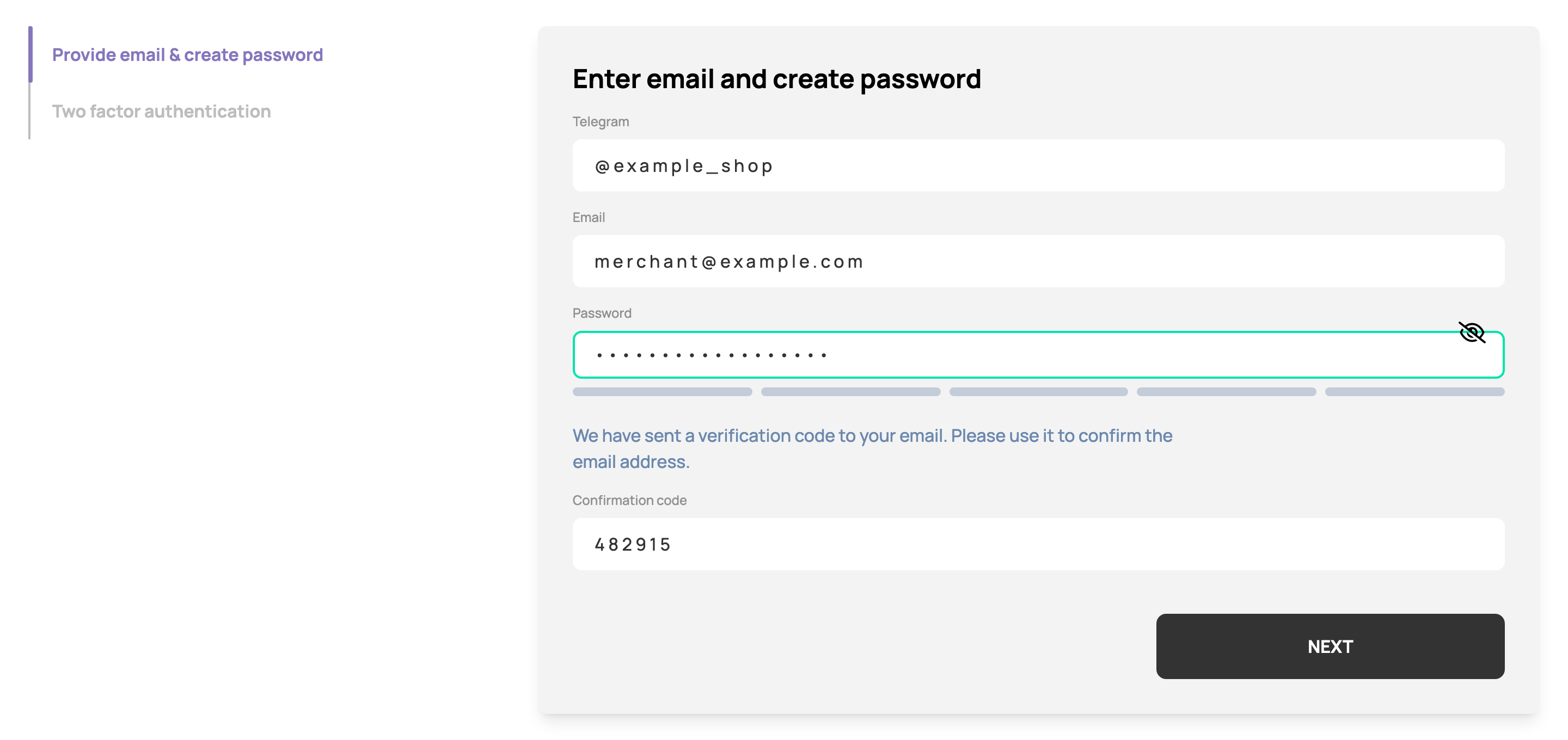
- We will send a verification code to your email. Enter it into the Confirmation code field and press Next again.
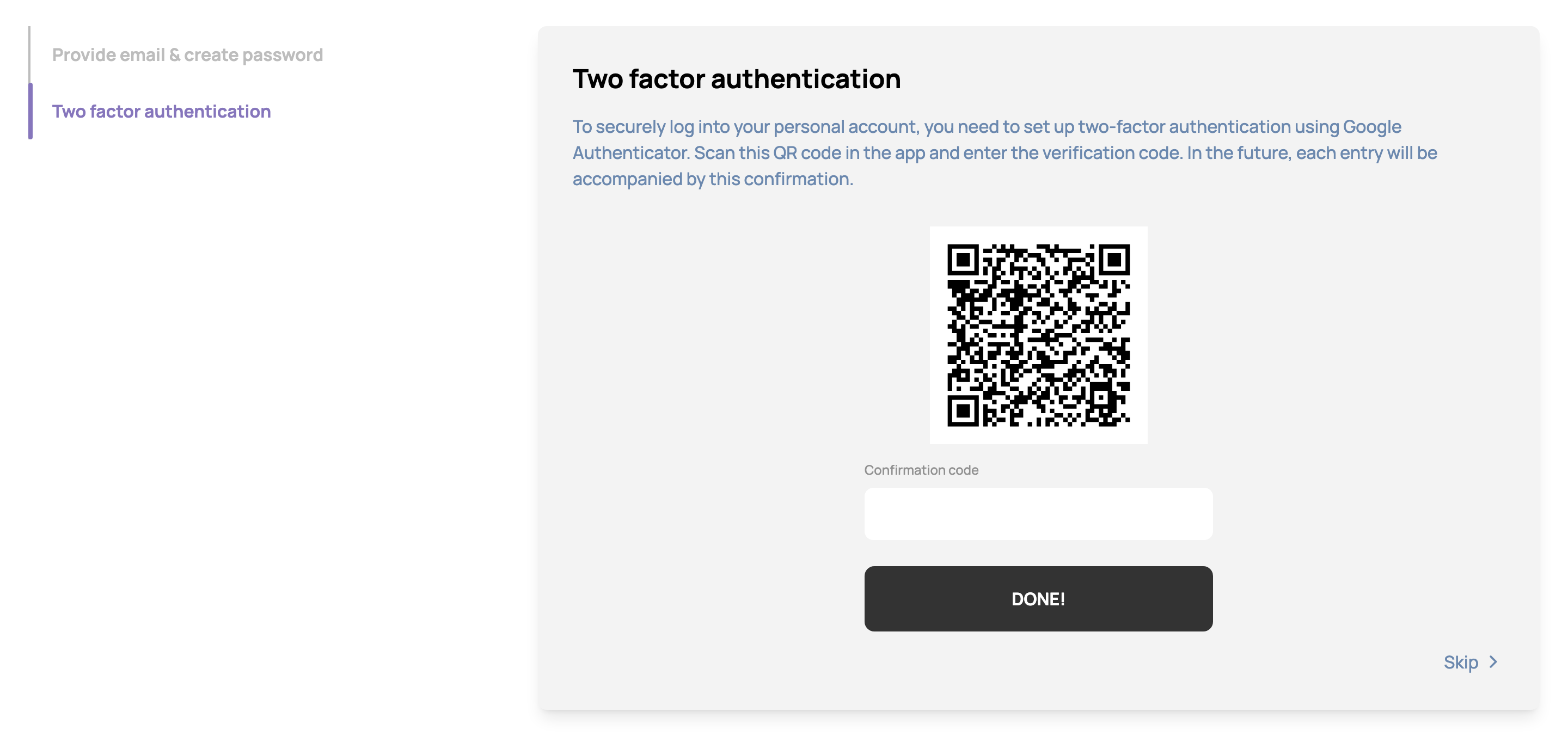
- At the Two factor authentication step, scan the QR code with Google Authenticator, enter the code from the app into the Confirmation code field and press Done!. You can press Skip and set it up later in your profile, on the Security tab.
- Congratulations! Now you can create your first payment link or start to integrate your shop.